Better End Mod Installation Guide
Set up BetterEnd cleanly by matching Minecraft, Fabric and every required library before the first launch.
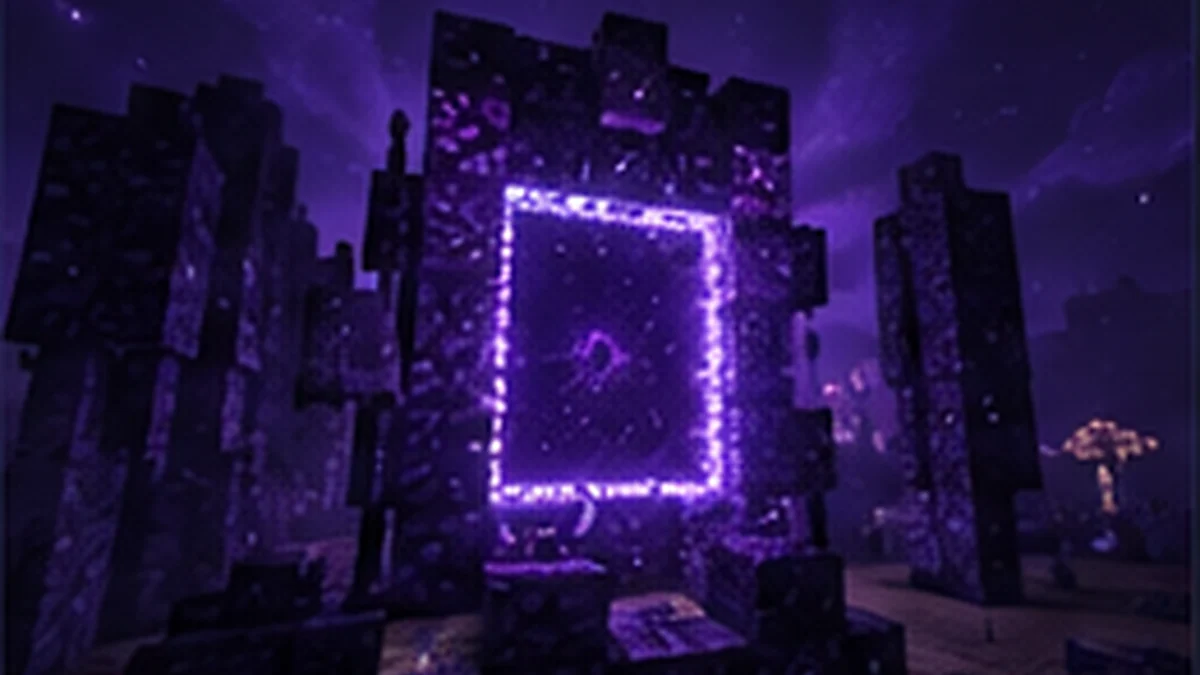
1. Check your Minecraft version
Do not pick a file by release date alone. First identify the exact Minecraft Java version used by your profile or server.
2. Install Fabric Loader
Create a Fabric profile for that same Minecraft version. Launching it once before adding mods is a simple way to confirm the loader itself works.
3. Download BetterEnd and its dependencies
Open the official BetterEnd version page, select a compatible release, then review the required-content section. Dependency requirements can differ between releases.
4. Place files in the mods folder
Put BetterEnd and its required dependency JAR files inside your Minecraft mods folder. Remove older duplicates if you are upgrading.
5. Test before using a main world
Start the game, verify the title screen loads, then create a temporary world. Only after the setup is stable should you open an important save.
6. Back up before updates
BetterEnd affects world generation. Make a world backup before changing Minecraft versions, BetterEnd builds or core dependencies.